Imagining life without Google services is next to impossible. Besides the search engine, Google owns many services we use on a daily basis. One of them is Gmail, and it's probably the most popular email provider and client. Let's see what the Gmail experience looks like on an Android!
Navigating the inbox
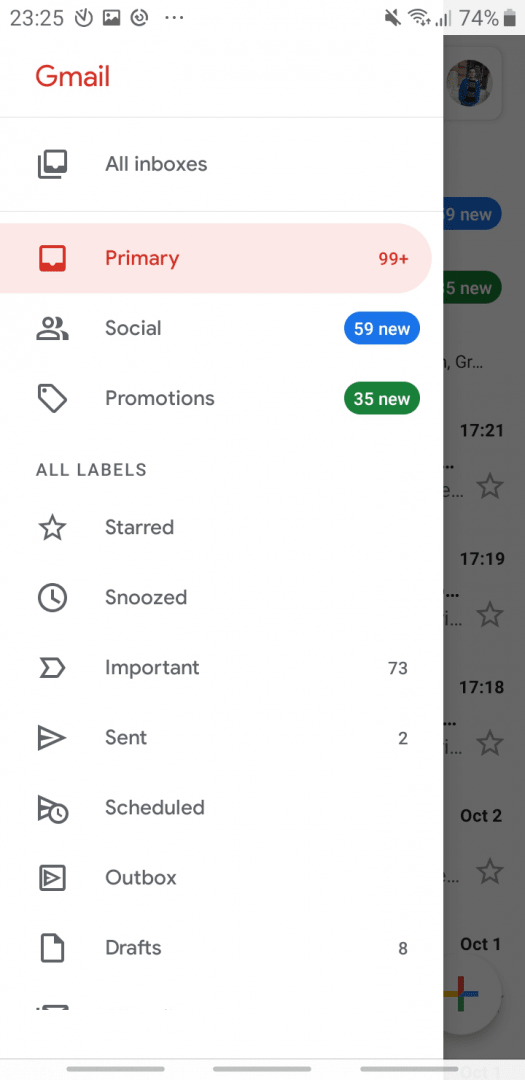
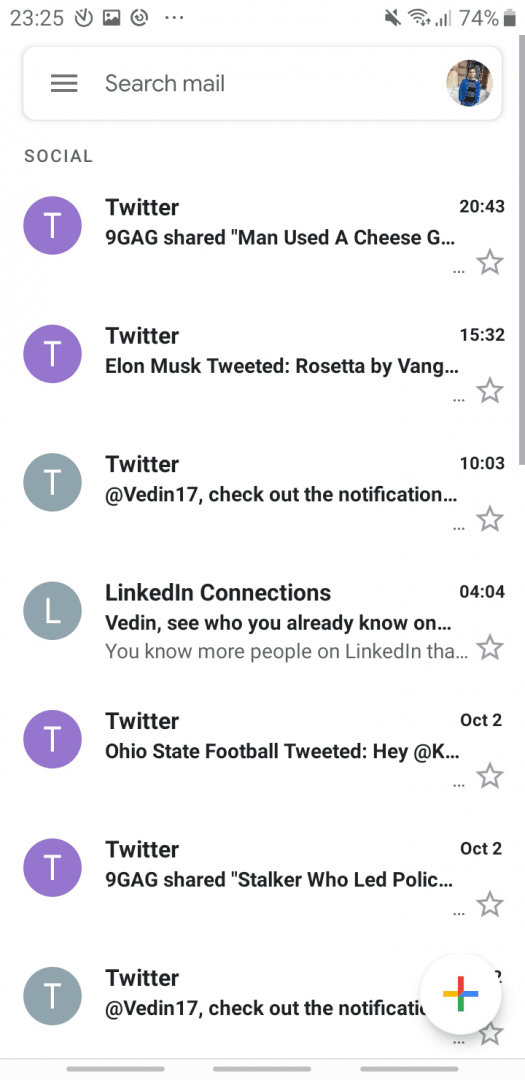
The Gmail app often comes preinstalled on your phone, but it's also available for download. After logging in, you are greeted with the Inbox screen, where you can see all the messages you received. The menu button at the top-left corner enables you to switch between various types of emails you sent or received, such as Social (from social media platforms you linked), Promotions, Important, Sent, and Drafts.Handling multiple accounts and attachments
You can have several different accounts connected, and you can see all emails in the same place. This is useful for multi-account management. There is a plus button at the bottom-right corner, which is used to compose emails. Sending emails is pretty straightforward. You can add attachments easily from your phone's storage.Scheduling and Confidential mode
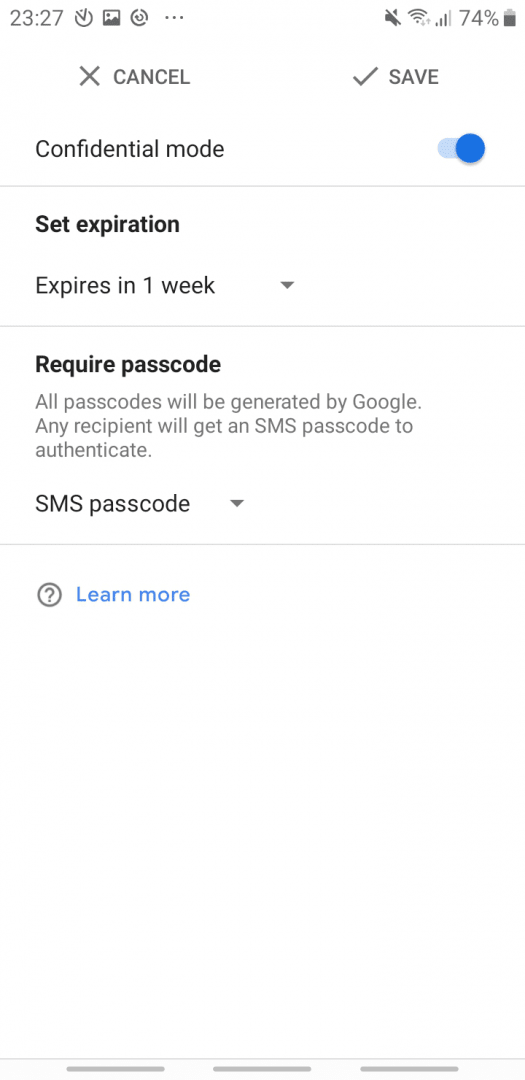
You can schedule exactly when to send an email if you want it delivered at a specific time. There is a useful option called Confidential mode. Emails sent as confidential can't be forwarded, copied, downloaded, or printed. Such emails can be viewed until the expiration date passes. You can also set up a passcode and have it sent via SMS to the receiver of the email!Integration with the Google ecosystem
Integration with other Google apps, such as Google Calendar and Google Drive, is great. If you are trying to send a very large file (exceeding 25 MB), you can share it as a Google Drive link. Living without Google is impossible, and well-organized, functional apps like Gmail for Android make your life that much easier!